Software Updates
- PointBase automatically checks for updates when the application is opened.
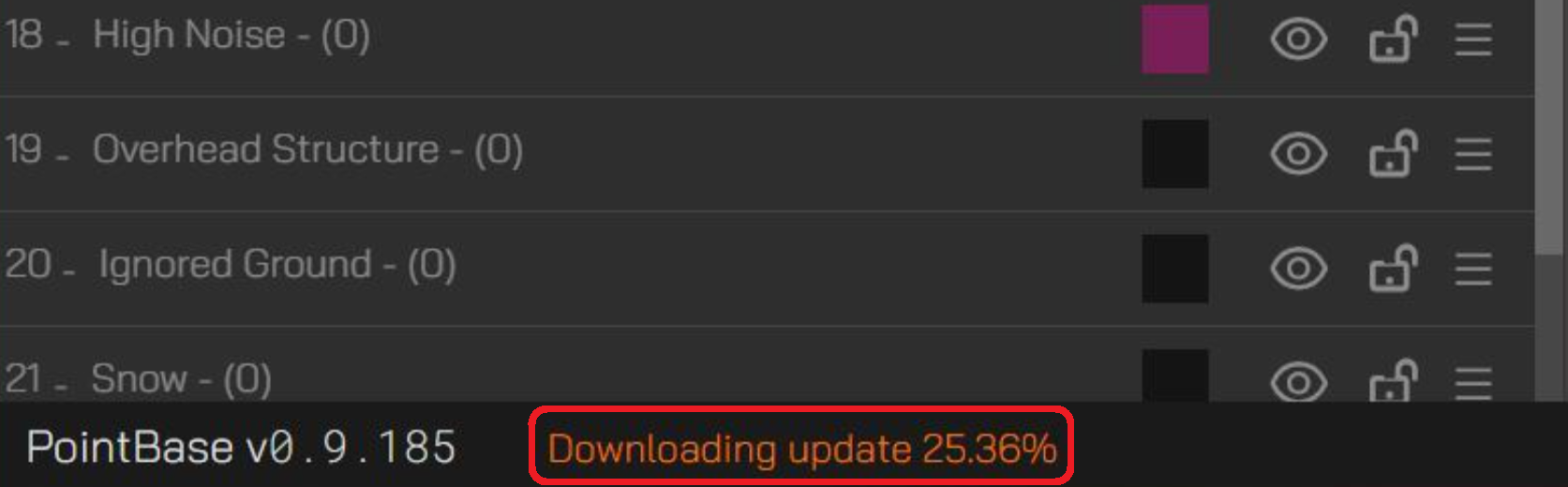
- If an update is available, it will begin downloading in the background.
The download status is displayed in the bottom-left corner of the interface.
Once the update has finished downloading, the status message will change to indicate completion.
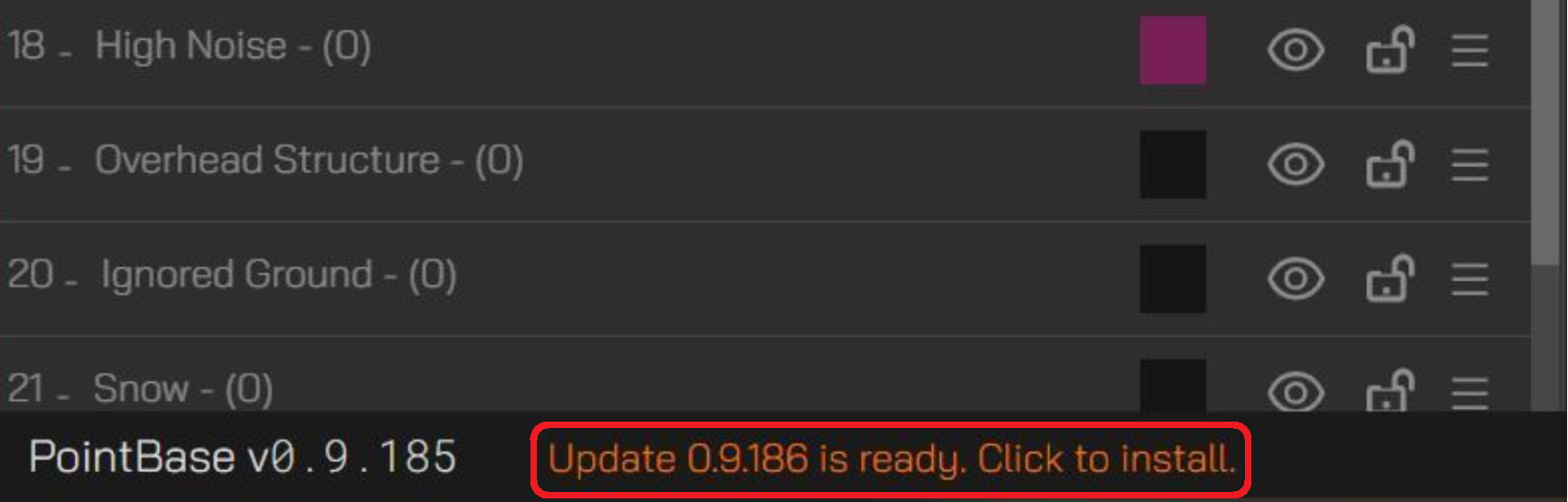
At this point, there are two ways to install the update:
Option 1: Click the message to initiate installation immediately.
Option 2: Close PointBase and you will be prompted to allow the installation to proceed.- Option 1 shows the installation wizard and Option 2 performs the installation silently.