|
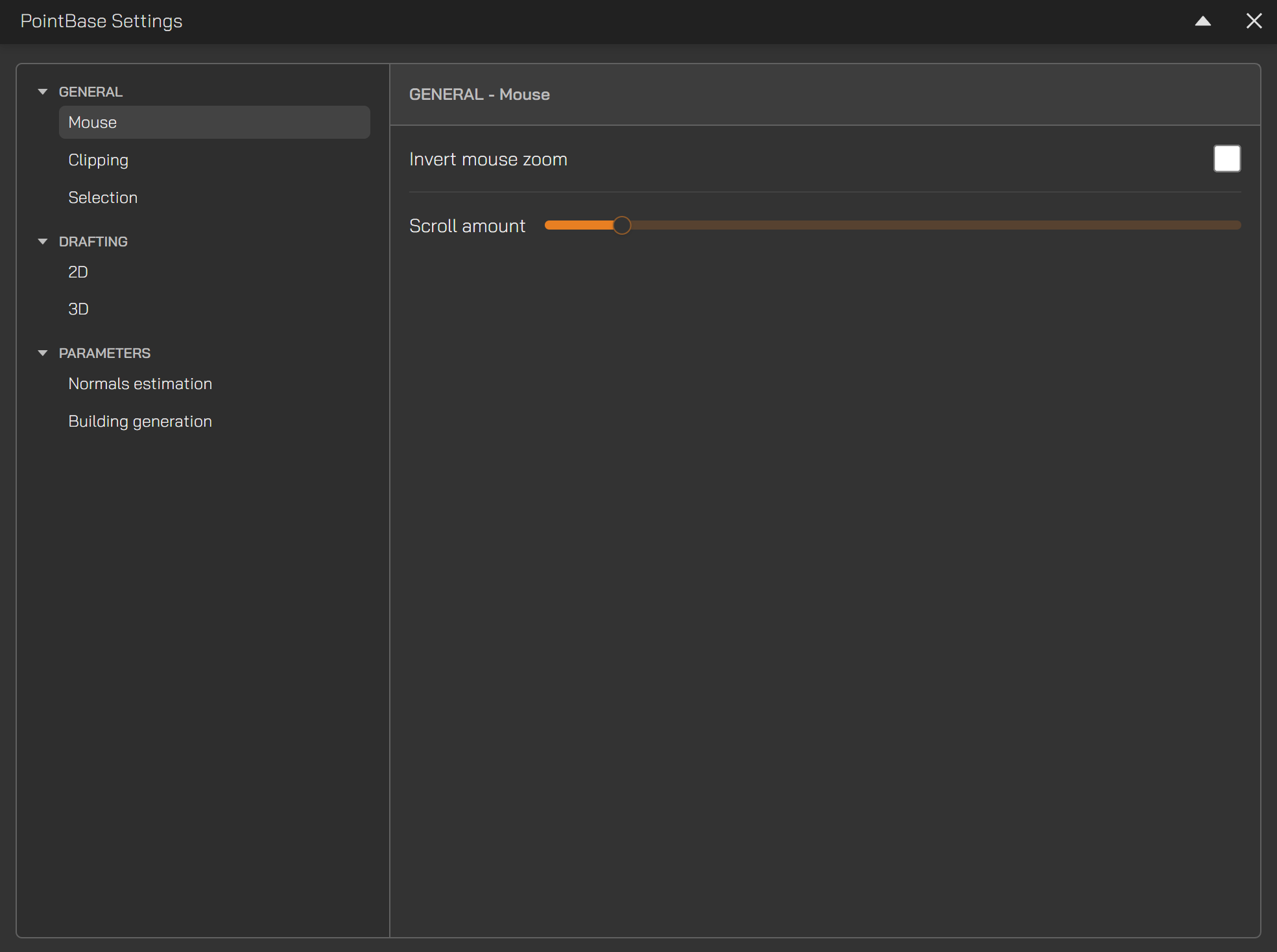
| Mouse | Invert mouse zoom | - Default behaviour zooms in when the mouse wheel is scrolled toward the user.
- Enabling this option reverses that behaviour.
|
| | Scroll amount | - Adjusts the zoom sensitivity for mouse wheel scrolling.
- Higher values produce larger zoom increments for a small scroll action.
|
| Clipping | Enable z-axis clipping | - Hides or shows the global Z-axis clipping slider in the viewport.
|
| Selection | Selected points colour | - Customises the selection colour applied to the point cloud.
|
|
| 2D | Line colours | - Customises the default line colours used during drafting for all newly created projects.
|
| | Node colours | - Customises the default node colours (line endpoints) used during drafting for all newly created projects.
|
| | Line Thickness | - Sets the default line thickness for all newly created projects.
|
| | Node Size | - Sets the default node size for all newly created projects.
|
| 3D | Surface colour | - Customises the selection colour used for vertical preview surfaces during drafting for all newly created projects.
|
| | Wall Opacity | - Sets the default wall opacity for all newly created projects.
|
| | Edge thickness | - Sets the default wall edge thickness for all newly created projects.
|
|
| Normal Estimation | Radius | - Neighbour search radius used for evaluating local point relationships.
- This value can be tuned based on the point spacing characteristics of the dataset.
- A typical recommended value is 0.1.
|
| | Neighbourhood sample size | - Maximum number of points considered when estimating surface normals within each neighbourhood radius.
- Higher values improve accuracy but may increase computation time.
|
| Building Generation | Max sample size | - Controls how many points are used for auto-extraction of the 2D floorplan and the 3D wall/aperture geometry.
- Higher values increase accuracy but also increase processing time.
- A default of 5 million points offers a strong balance between precision and performance.
|